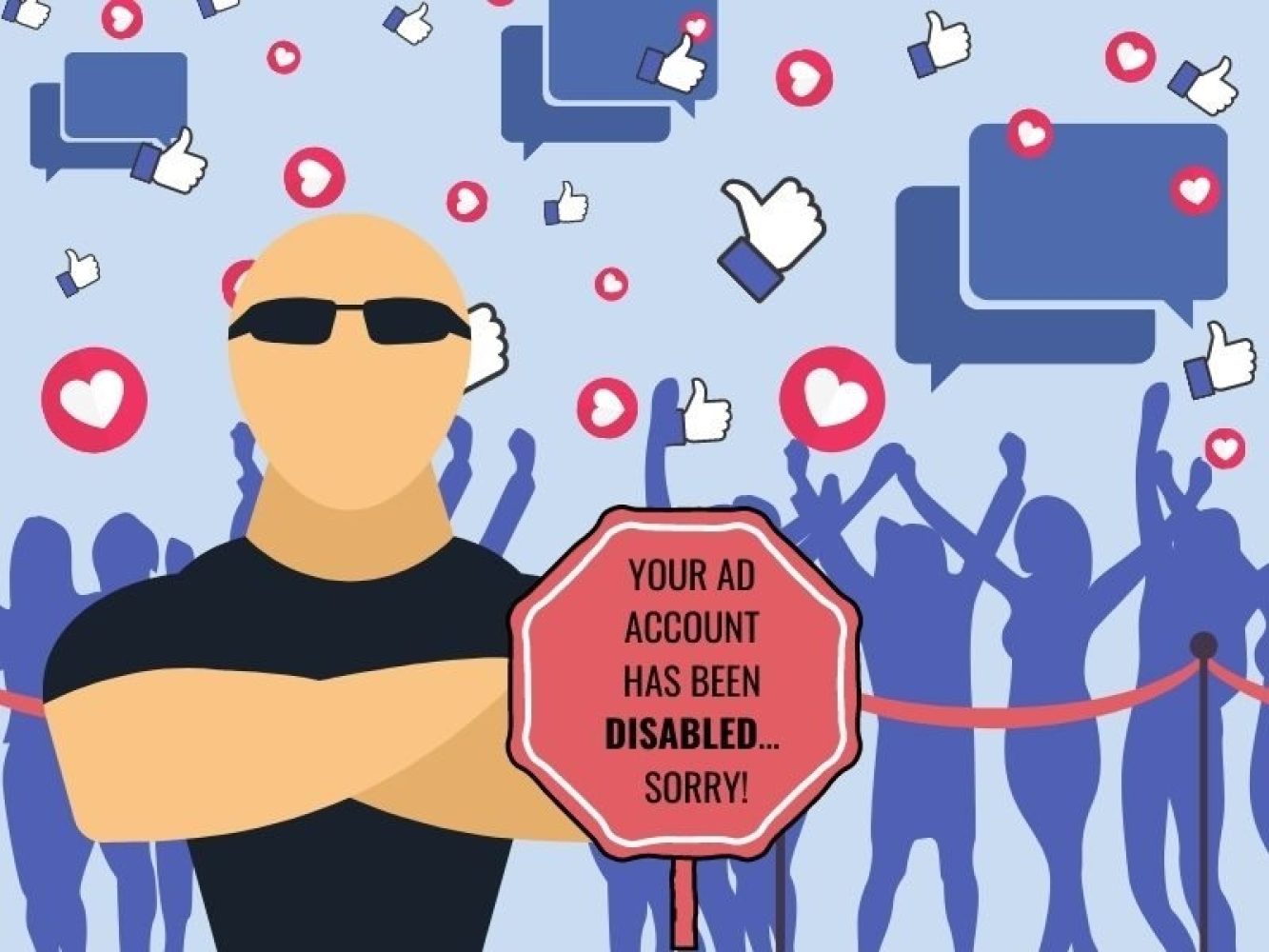
If a Facebook ad account is disabled, it is likely because of a repeated offence.
Your ad content or anything that Facebook deems "suspicious" activity will result in the banning of ads from your page.
As a marketer or business owner, this is the last thing you need! Don't worry. We are here to run you through the steps to recover your account.
What Does It Mean If My Facebook Ad Account Is Disabled?
Unfortunately, your ad account will be frozen. This means:
- All active campaigns will be put on hold
- You won't be able to generate any sales from ads
- You cannot create any new advertising material
- Everyone with access to your business manager will be locked out
If you see a notification saying "Ad Account Disabled" when you attempt to post an ad, your Facebook Ad Account has been disabled.
Why Was My Facebook Ad Account Disabled?
Facebook has strict advertising policies, and violations can result in account suspension. Here are the most common reasons accounts get disabled:
1. Overspending on New Accounts
To avoid spamming its users, Facebook frowns on ads with massive daily budgets, especially if the account is new.
Best practice: Scale your daily budget by 5-15% until you have reached your advertising goals. This gradual approach signals legitimate business activity rather than suspicious behaviour.
2. Logging In From Different IP Addresses
Logging in to your ad account from different devices or locations can raise the online fraud flag, especially if it is a regular occurrence.
Recommendation: If you must log in using a different device, stick to your mobile phone. Avoid using VPNs or public WiFi for ad account management.
3. Account Association Issues
If any user in your business manager has their personal ad account disabled, then Facebook may disable your page's ad account by association.
Tip: Regularly audit who has access to your business manager and remove users who no longer need access.
4. Late Payments
Neglecting to pay your bills on time will flag your account as unreliable.
How to avoid this:
- Set up automatic payments with a valid credit card
- Ensure your account is always topped up with available funds
- Set up payment notifications and reminders
- Keep backup payment methods on file
5. Unclear Landing Pages
Any pages that you direct users to via your ads should pertain to the ad's information and appear legitimate.
Your landing page must include:
- Your company logo
- Clear contact information
- Business resources and information
- Company name and registration details
- Privacy policy and disclaimer
- Professional design and functionality
6. Using the Same Payment Methods for Different Ad Accounts
Facebook uses payment methods to recognise previous offenders. If your account has been banned in the past, use a different payment method for future payments.
Important: This applies to credit cards, PayPal accounts, and any other payment methods tied to previously disabled accounts.
7. Not Keeping Facebook Advertising Information Confidential
Protect all your data, and do not, under any circumstance, sell contact information to another company. This violates Facebook's terms and privacy policies.
8. Ads Violating Facebook's Guidelines
Make sure your ads comply with Facebook's policies:
Common violations include:
- Misleading claims or false information
- Before/after images without disclaimers
- Targeting sensitive categories (health, finance, politics)
- Low-quality or shocking content
- Prohibited products or services
How to Recover Your Disabled Facebook Ads Account
If your account has been disabled, follow these steps to request a review and potentially restore access.
Step 1: Request a Review Through Facebook
Method 1: Through the Ad Account Policy Page
- On the "Ad Account Disabled" window, click "See Details"
- This takes you to your Ad Account Policy Page showing your account status
- Click "Request Review"
- Verify your identity if prompted
- Wait 2-3 business days for a response
Method 2: Submit a Form
- If you violated policies: Fill out this form and be honest about what happened
- If disabled by mistake: Fill out this form explaining the error
After submitting, check Facebook's Help Centre regularly for updates.
Step 2: Contact Facebook Business Help Centre
If you haven't heard back after 5+ days and your account is still restricted:
- Go to the Facebook Business Help Centre (not the standard Help Centre)
- Look for chat support options and advertising information
- Scroll down to find "Find Answers" or "Contact Support"
- Click "Get Started" to start a live chat
- Select the affected business manager
- Choose "My ad account was disabled"
- Chat with a Facebook representative
Follow-up strategy:
- Check your ad account status daily
- Follow up every 2 days through the Business Help Centre
- Keep records of all communications
Possible Outcomes After Review
At this point, one of three outcomes is possible:
1. Account Restored
Facebook reviews your account and removes all restrictions. If you were at fault, commit to following their advertising policies to avoid future disruptions.
2. Extended Wait Time
It takes a really long time for them to get back to you. Unfortunately, this is common as all reviews are handled manually. Continue following up.
3. Permanent Disability
You receive an email from Facebook informing you that your account is permanently disabled.
Last Resort: Creating a New Business Manager
If all your attempts to resolve the issue are fruitless, you can create a new Business Manager and Ad Account. However, this must be done correctly to avoid immediate re-suspension.
DO:
- ✅ Make sure YOU are not the reason your ad account is disabled
- ✅ Move all of your assets to the new Business Manager
- ✅ Commit to following Facebook Advertising Policies strictly
- ✅ Use a different payment method (new credit card Facebook hasn't seen)
- ✅ Create the new account from a clean IP address
DON'T:
- ❌ Create an ad account using the same business manager
- ❌ Use a credit card associated with the banned account
- ❌ Repeat the behaviour that got you banned
- ❌ Rush into creating ads immediately — build trust first
Prevention Is Better Than Cure
To avoid future account disabilities:
- Thoroughly review Facebook's advertising policies before creating ads
- Start with small budgets and scale gradually
- Ensure landing pages are professional and compliant
- Keep payment information current and valid
- Avoid logging in from suspicious locations
- Monitor who has access to your business manager
- Respond to policy violations immediately
Need Expert Help?
If all else fails, call the team at Easy Social Media — managing our clients' ad accounts is what we do! We'll help you navigate Facebook's policies, recover disabled accounts, and set up compliant campaigns that drive results.